
Overview
# Modern Restaurant POS Systems
How restaurant point-of-sale software improves service speed, order accuracy, and operational control.
Running a restaurant involves many moving parts: taking orders, sending them to the kitchen, handling payments, and managing busy service floors. A modern restaurant POS (Point-of-Sale) system brings these workflows together into one operational interface that helps teams process orders faster and maintain accurate billing.
Restaurant POS systems like Foodbook POS are designed specifically for high-volume service environments, helping restaurants handle dine-in tables, takeaway orders, kitchen routing, and cashier workflows from a single system. (Foodbook POS)
What Is a Restaurant POS?
A restaurant POS system is the central software used to capture orders, manage tables, send kitchen tickets, and process payments.
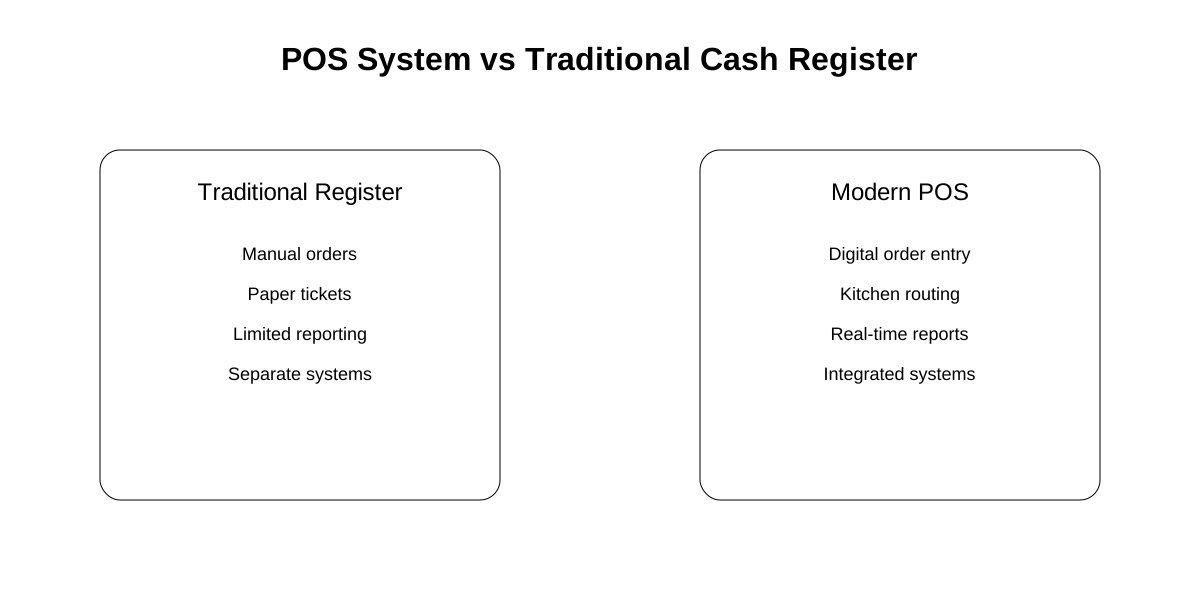
Instead of writing orders manually or managing separate tools, a POS system connects the entire service process:
Order Capture -> Kitchen Dispatch -> Bill Creation -> Payment -> Shift CloseModern POS systems handle multiple service formats, including:
- Dine-in table service
- Takeaway orders
- Delivery tickets
- Split bills and group payments
This structured workflow helps restaurants maintain accurate service records and smooth handoffs between staff. (Foodbook POS)
Core Capabilities of a Restaurant POS
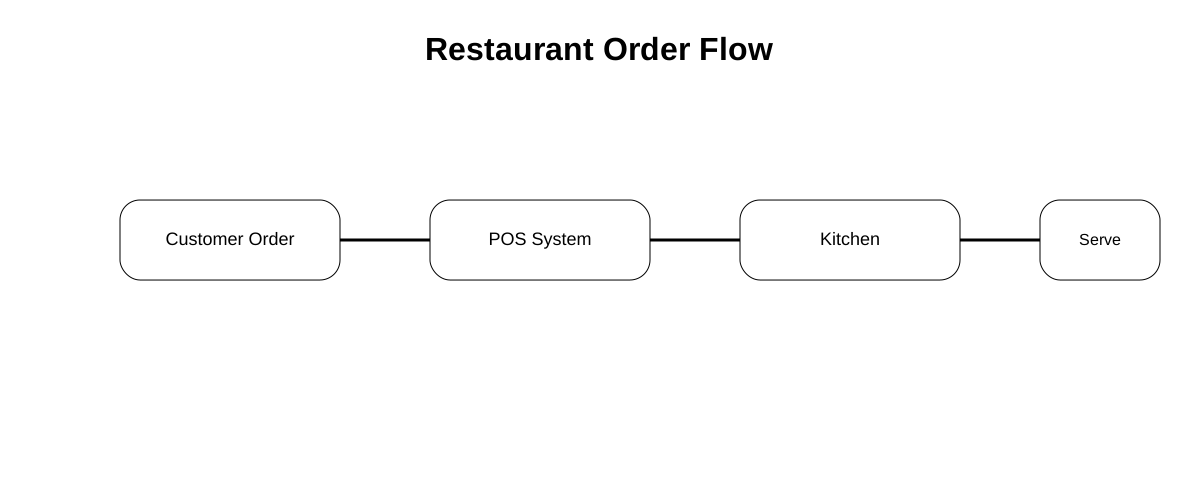
Order Intake and Ticket Creation
Restaurant POS systems allow staff to capture orders quickly using structured menus and item search.
For example, Foodbook POS supports:
- Category-driven menus
- Live item search
- One-tap item entry
- Favorite items for fast ordering
This reduces order entry time during busy service periods. (Foodbook POS)
Kitchen Order Routing
Once an order is entered, the POS sends items to the kitchen through KOT (Kitchen Order Tickets).
Modern systems support:
- Station-aware routing
- Pending job visibility
- Kitchen preparation tracking
This ensures kitchen teams receive orders clearly and in the correct preparation sequence. (Foodbook POS)
Billing and Payment Handling
Restaurant POS systems manage the entire billing workflow.
Typical features include:
- Split bills for group dining
- Discounts and adjustments
- Mixed payments (cash, card, QR payments)
- Tip handling
Systems like Foodbook POS allow restaurants to complete billing and settlement directly from the cashier interface with structured controls. (Foodbook POS)
Table and Ticket Management
In dine-in environments, staff must manage multiple tables simultaneously.
POS systems allow teams to:
- Transfer tickets between tables
- Modify items during service
- Add notes and modifiers
- Track order status
These features help maintain a clear record of service activity. (Foodbook POS)
Role-Based Restaurant Operations
Restaurants often require different permissions for different staff roles.
Modern POS systems include role-based operations, meaning different users have different capabilities.
Typical roles include:
| Role | Capabilities |
|---|---|
| Cashier | Order entry, billing, payments |
| Waiter/Captain | Table management, ticket updates |
| Manager | Overrides, discounts, shift control |
This governance helps prevent errors and ensures accountability during busy service periods. (Foodbook POS)
POS Workflow During a Restaurant Shift
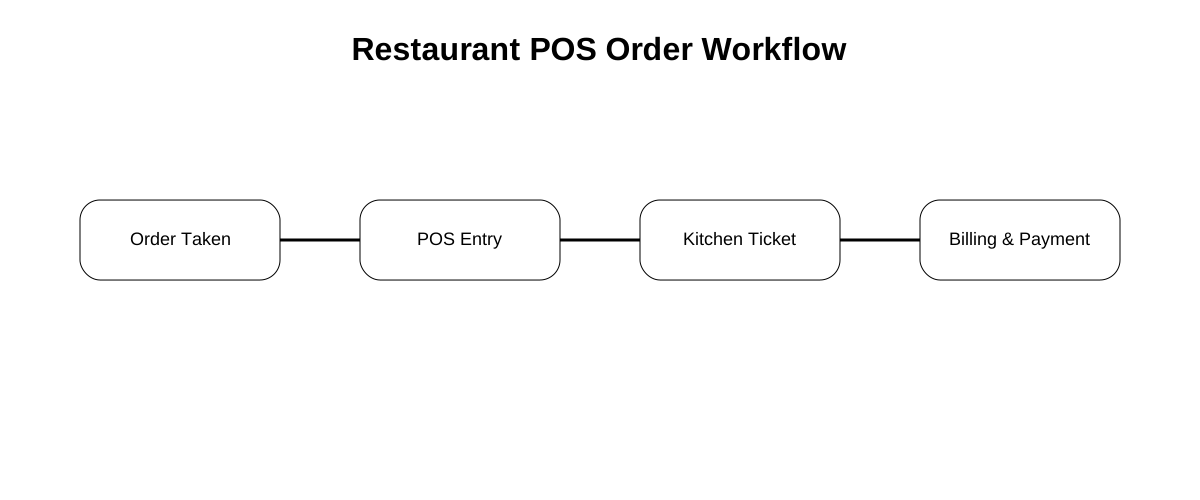
A restaurant POS system typically follows a structured operational flow:
1. Ticket Creation
Staff create a ticket and classify the order (dine-in, takeaway, or delivery).
2. Kitchen Dispatch
Items are sent to preparation stations through KOT routing.
3. Billing
Orders are finalized with adjustments, discounts, or split payments.
4. Shift Close
Supervisors review daily transactions and close the cashier shift.
This operational loop ensures every order moves cleanly from order capture to payment settlement. (Foodbook POS)
Why Restaurants Use Modern POS Systems
Restaurants adopt POS systems to solve several operational challenges.
Faster Service
Digital order entry reduces manual writing and improves cashier speed.
Accurate Billing
Structured item and price data reduce billing errors.
Clear Kitchen Communication
Orders are routed automatically to preparation stations.
Operational Visibility
Managers can track tickets, payments, and shift activity.
Together, these improvements help restaurants maintain consistent service during peak hours. (Foodbook POS)
One Platform for Restaurant Operations
Many modern restaurant platforms integrate POS with other service tools.
For example, Foodbook connects POS, QR menus, and digital signage into one system, helping restaurants keep menu data and pricing consistent across cashier systems and customer-facing screens. (Foodbook Platform)
This integrated approach reduces duplicate work and helps restaurants operate with one shared menu and service workflow.
Final Thoughts
A restaurant POS system is no longer just a billing tool. It is the operational backbone of modern restaurant service.
With the right POS system, restaurants can:
- Capture orders faster
- Maintain accurate kitchen routing
- Handle split payments and billing easily
- Monitor service flow during busy shifts
As restaurants adopt digital menus and signage systems, the POS remains the central hub that connects service operations together.