
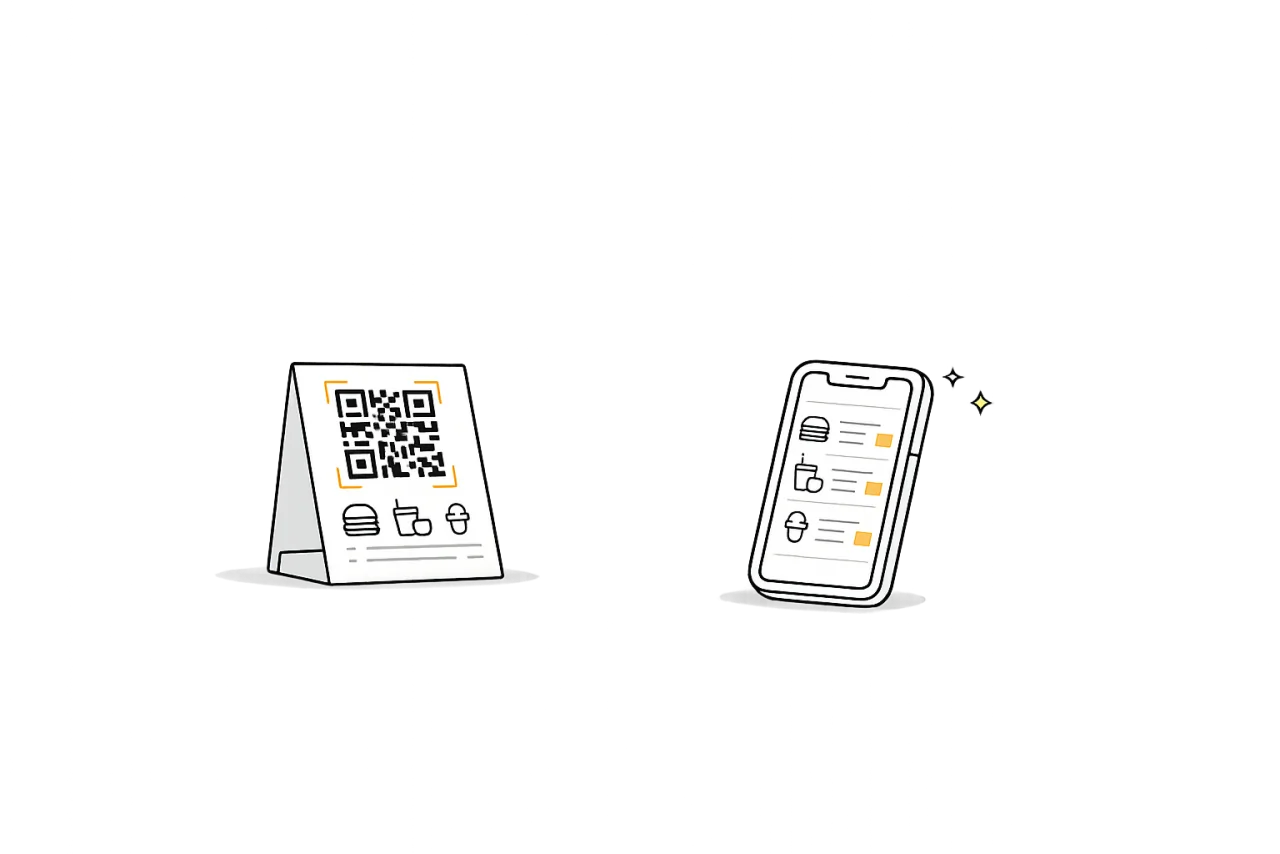
Printable QR and mobile scan
Deploy table/counter QR cards and give customers instant mobile menu access.
Foodbook QR Menu helps restaurants launch contactless dining with mobile-first digital menus, branded QR access, and practical publish control for live service.
Built for restaurant teams in Sri Lanka, it supports LKR pricing and outlet workflows in Colombo, Kandy, and beyond, with clear handoff options into POS , digital signage, and KDS.
Deploy table/counter QR cards and give customers instant mobile menu access.
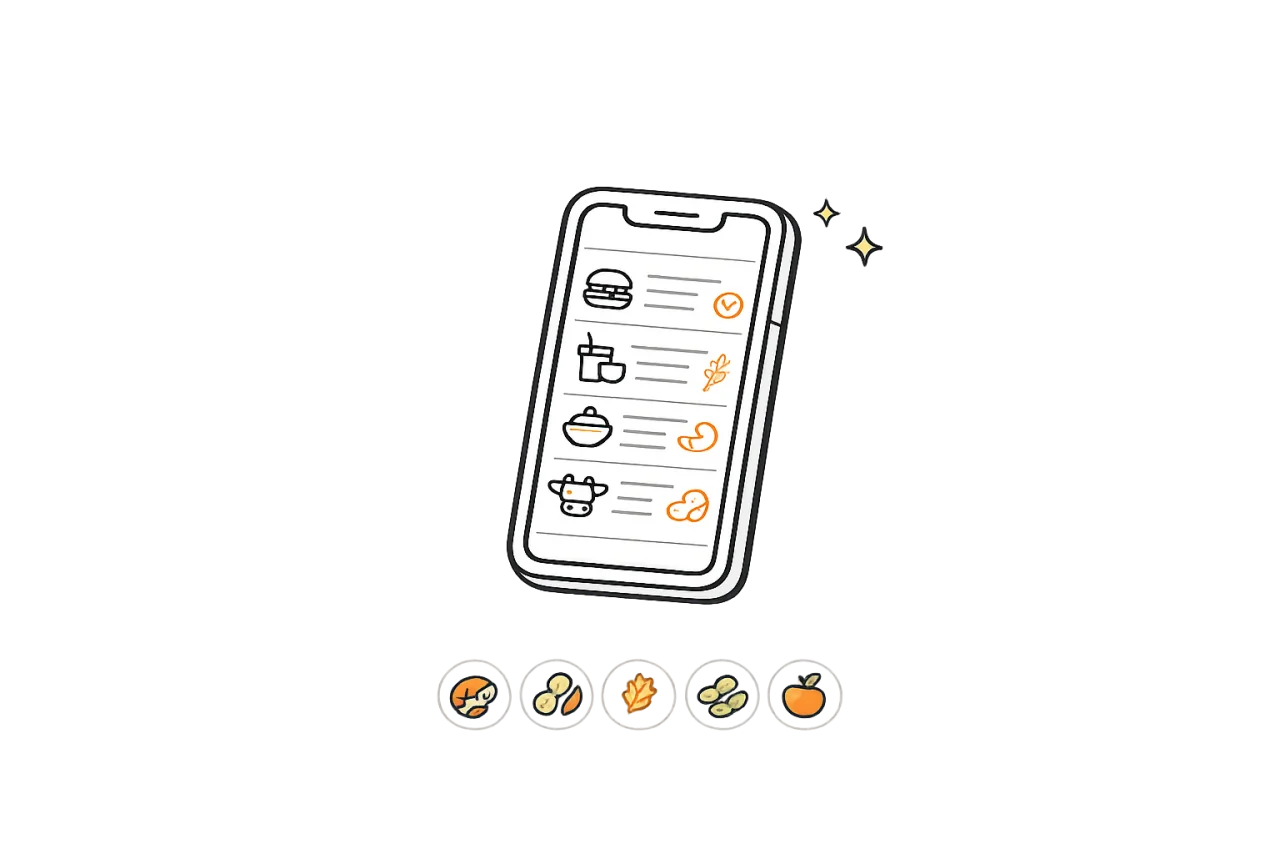
Make customer choices easier with clear item-level dietary indicators.
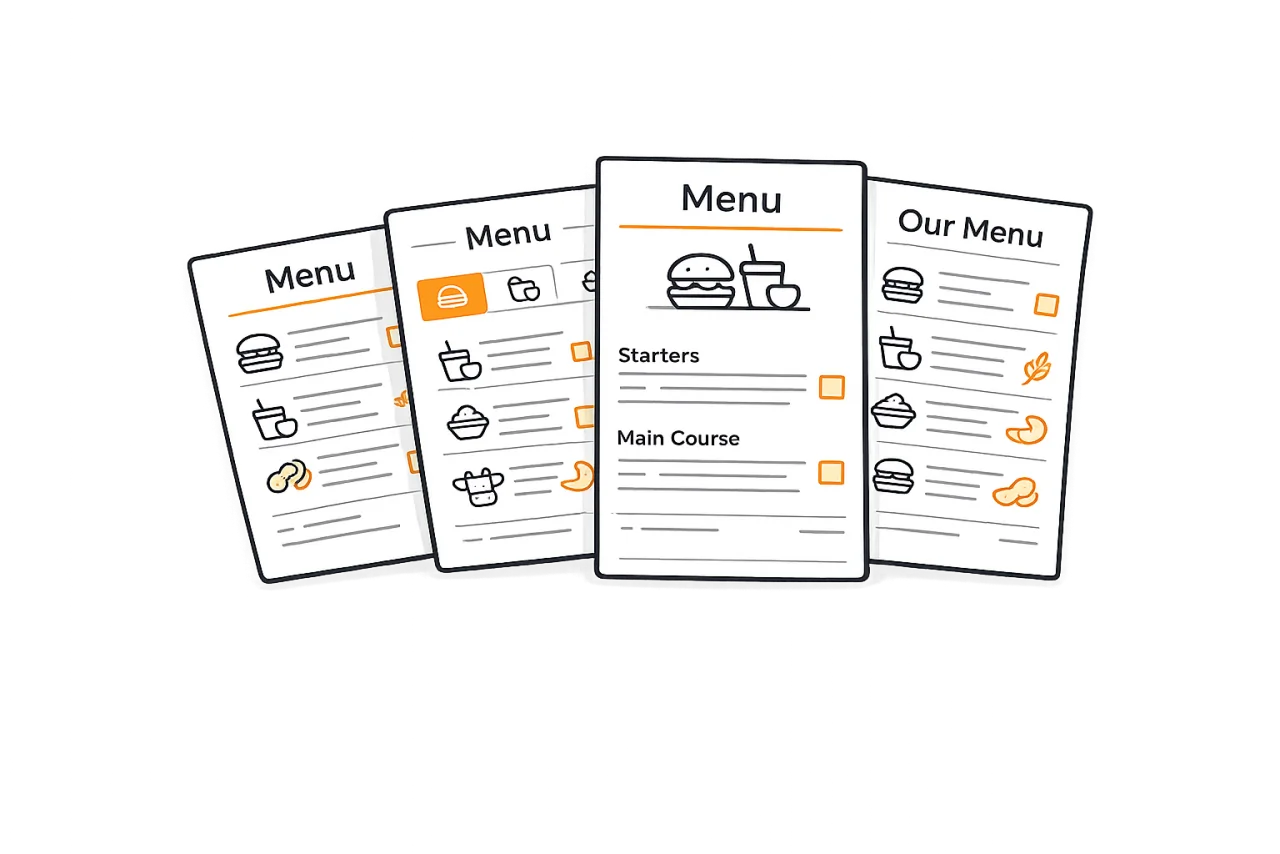
Pick from multiple menu presentation styles for different restaurant formats.
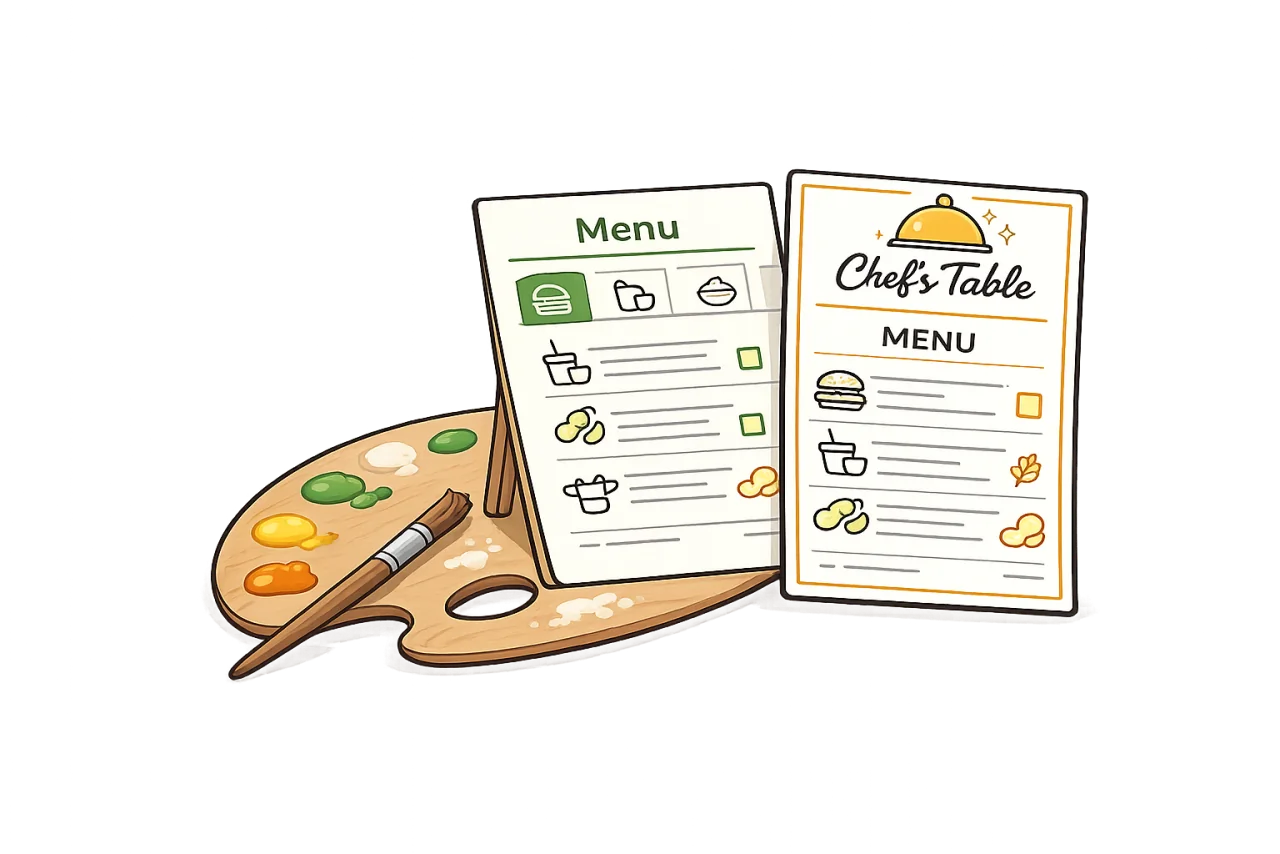
Customize menu look and feel to match your outlet identity.
Use multiple visual styles and keep menus consistent across outlets.
Set colors and menu style per outlet to match each location.
Generate and deploy QR access points across tables and counters.
Manage updates with preview, scheduling, and controlled rollout.
Import or enter categories, items, and prices so customers always see your latest offerings.
Apply outlet-level styling to match your brand identity across every customer-facing menu page.
Publish table tents, counter stickers, and posters so guests can scan and browse instantly.
These features combine customer-facing menu quality with practical publish governance for outlet teams.
Launch branded digital menus quickly with outlet-ready template choices.
Apply primary, accent, and background colors per outlet to strengthen recognition and guest trust.
Control what customers see using category/item visibility for live menu hygiene.
Show base prices, variant prices, and descriptions in a clean mobile-first format.
Use controlled publishing windows so menu changes align with service periods.
Recover quickly from mistakes using publish history and rollback support.
Publish QR destinations with practical print formats for counters, tents, and posters.
Share temporary preview states before pushing changes to live customer traffic.
Keep updates controlled with structured workflows and clear ownership in operations teams.
No. Customers can scan the QR code with their phone camera and open the menu directly in their mobile browser.
Yes. You can migrate existing menu content into Foodbook QR Menu and publish a mobile-first digital menu with searchable categories and items.
Yes. Foodbook QR Menu supports LKR pricing and practical local workflows for restaurants in Colombo, Kandy, and beyond.
Yes. You can control menu visibility, branding, and publish timing at branch level while keeping brand standards aligned.
Start free now and expand with POS, KDS, and signage as your operation grows.